
InSri LMS
A complete library management system — cataloguing, barcode and QR issue-return, member records, fines and multi-branch circulation, with reports for everything.
A complete library management system — cataloguing, barcode and QR issue-return, member records, fines and multi-branch circulation, with reports for everything.
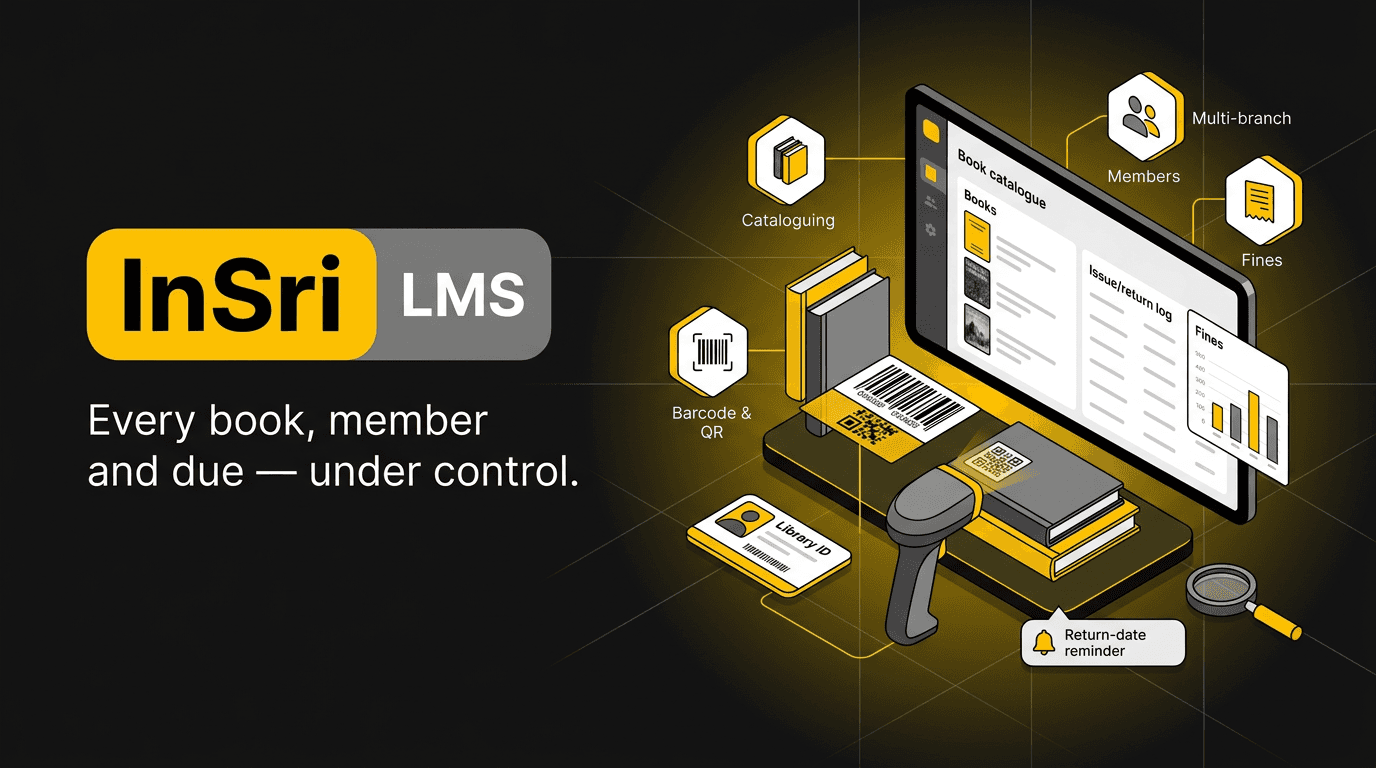
Every book, member and due — under control.
InSri LMS gives librarians a desk that keeps up with the collection. Books are catalogued once with ISBN lookup, labelled with barcodes or QR codes, and issued or returned with a scan. Members, membership categories, reservations, due dates and fines are tracked automatically, and reminders go out before a book is overdue instead of after. Multi-branch setups can transfer stock and see circulation across locations, while management gets clean reports on usage, overdue stock and purchasing needs.
Scan-based
Issue & return at the desk
Auto
Fine calculation & reminders
Multi-branch
Stock & transfers
Full
Circulation reporting
Add titles with ISBN, author, publisher, edition and shelf location — bulk import your existing catalogue from a spreadsheet.
Scan a book and a membership card and the transaction is done, with due date printed or emailed instantly.
Membership types with their own borrowing limits, loan periods and expiry, plus student and staff records for institutions.
Overdue fines computed from your rules, reminders sent by email or SMS, and receipts issued when dues are cleared.
Members reserve a title that is on loan and the system notifies them on return, in queue order.
Run several libraries under one system — branch-wise collections, inter-branch transfers and consolidated reporting.
A public search interface where members check availability, due dates and their own borrowing history.
Stock verification lists, missing and damaged book marking, and replacement cost records for audits.
Most-borrowed titles, dead stock, overdue lists, fine collection and acquisition suggestions — exportable for management.
Import your books with ISBN lookup, then print barcode or QR labels for each copy and each membership card.
Set loan periods, borrowing limits and fine rates per membership type, and add your branches and shelves.
Issue, return, renew and reserve with a scan — the member's record and due dates update themselves.
Reminders and fines go out automatically, and circulation, overdue and inventory reports are ready when you need them.
Book a walkthrough with our team — we'll map InSri LMS to your workflow and share pricing for your size of team.